What is a Placeholder Logo? The Secret Weapon of UX Designers
Encountered a "Logoipsum" mark on a mockup or a website template is common. Understanding its purpose and why designers use them can help in the product development process.
Concept and Identity
In the lifecycle of a product, there is often a gap between the moment a user interface is designed and the moment a final brand identity is approved. During this period, options include leaving the logo space empty, using a text label, or using a placeholder logo. An empty space can make a UI feel unbalanced, while a placeholder can help maintain momentum.
Definition
A placeholder logo is a non-branded graphic used as a temporary stand-in for a final brand mark. It’s designed to have the same visual weight and scalability as a logo, but without the identity of a specific company.
1. Visual Balance in Mockups
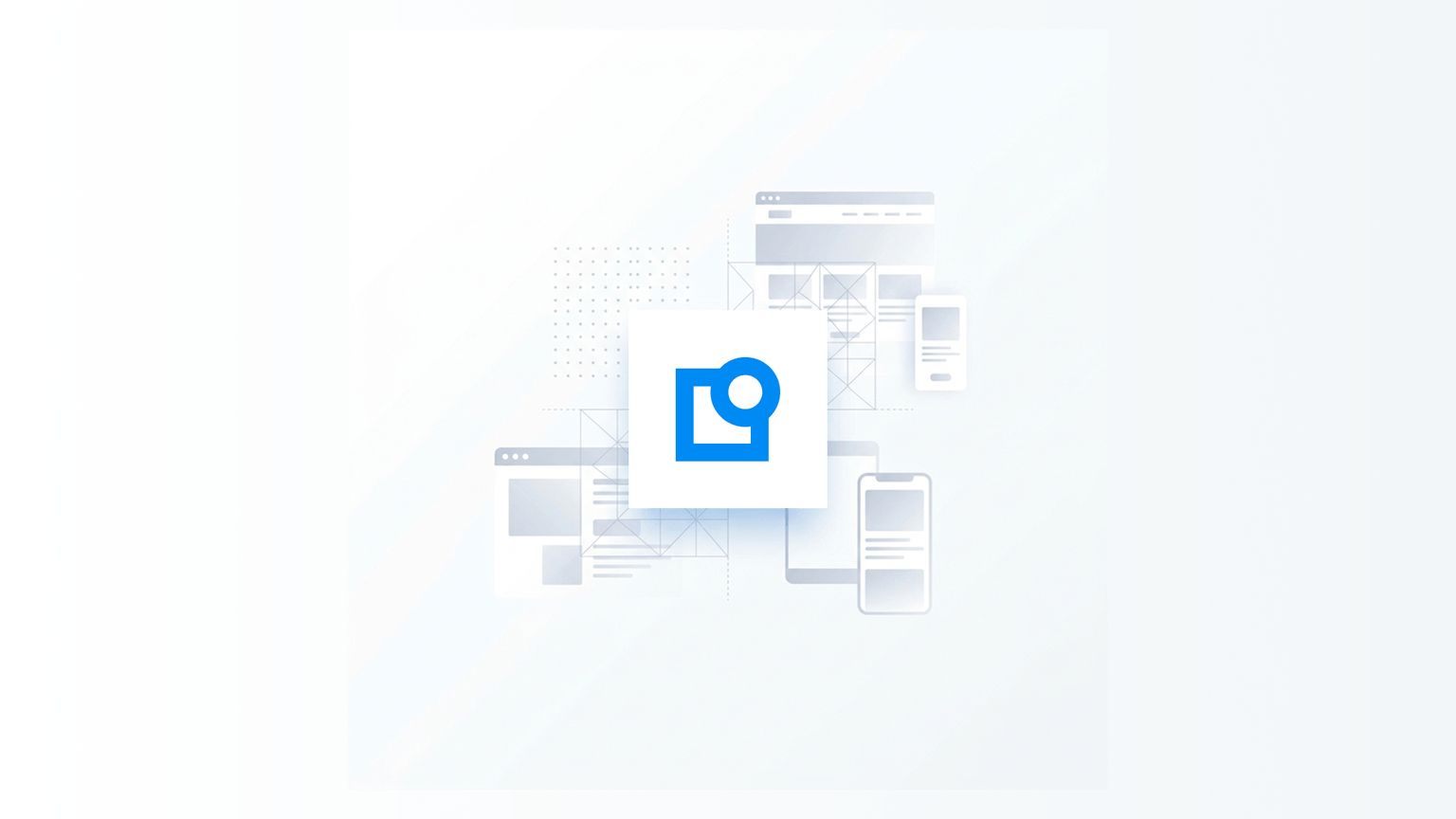
A UI is a balance of typography, color, and negative space. The logo is often the anchor of that balance, usually located in the header. By using a placeholder, it's possible to ensure that the navigation bar and hero section are weighted correctly.
2. Maintaining Momentum
Development can sometimes stall if a final logo is not yet available. A placeholder logo allows the engineering team to continue building while the branding process is ongoing.
3. Unbiased User Testing
When showing a prototype to a user, the focus is often on the usability of the app. If a semi-finished logo is used, users may spend time critiquing the branding rather than the features. A neutral placeholder can help remove this distraction.
Practical Application: How to Use Placeholders
Using a placeholder logo is about strategic design staging.
- Match the Style: If the project is for a finance app, a geometric placeholder may be suitable. If it's a social app, something more fluid might work.
- Standardize the Specs: Ensure the placeholder has the same dimensions as the final intended logo.
- Swap it Out: Once the final branding is approved, the transition involves swapping one SVG file for another.
Summary
A placeholder logo acts as a bridge. It allows for the creation of detailed experiences before a final brand identity is available.
- Focus on Flow: Use placeholders to keep the design process moving.
- Remove Distractions: Keep user testing focused on UX.
- Transition: Move from placeholder to permanent when the branding is finalized.
Browse placeholder logos to find a mark for a UI project.