Mastering the Logoipsum Figma Plugin: Adaptive Branding, 1-Click Dark Mode, and Advanced SVG Workflows
Leaving a design canvas to locate placeholder assets can interrupt the creative process. When in the middle of a design sprint, having immediate access to branding assets can help maintain momentum.
The official Figma plugin was designed as a library and productivity tool built directly into the design environment. It aims to reduce the time spent on finding and placing mockups.
Full Library Sync & Categorization
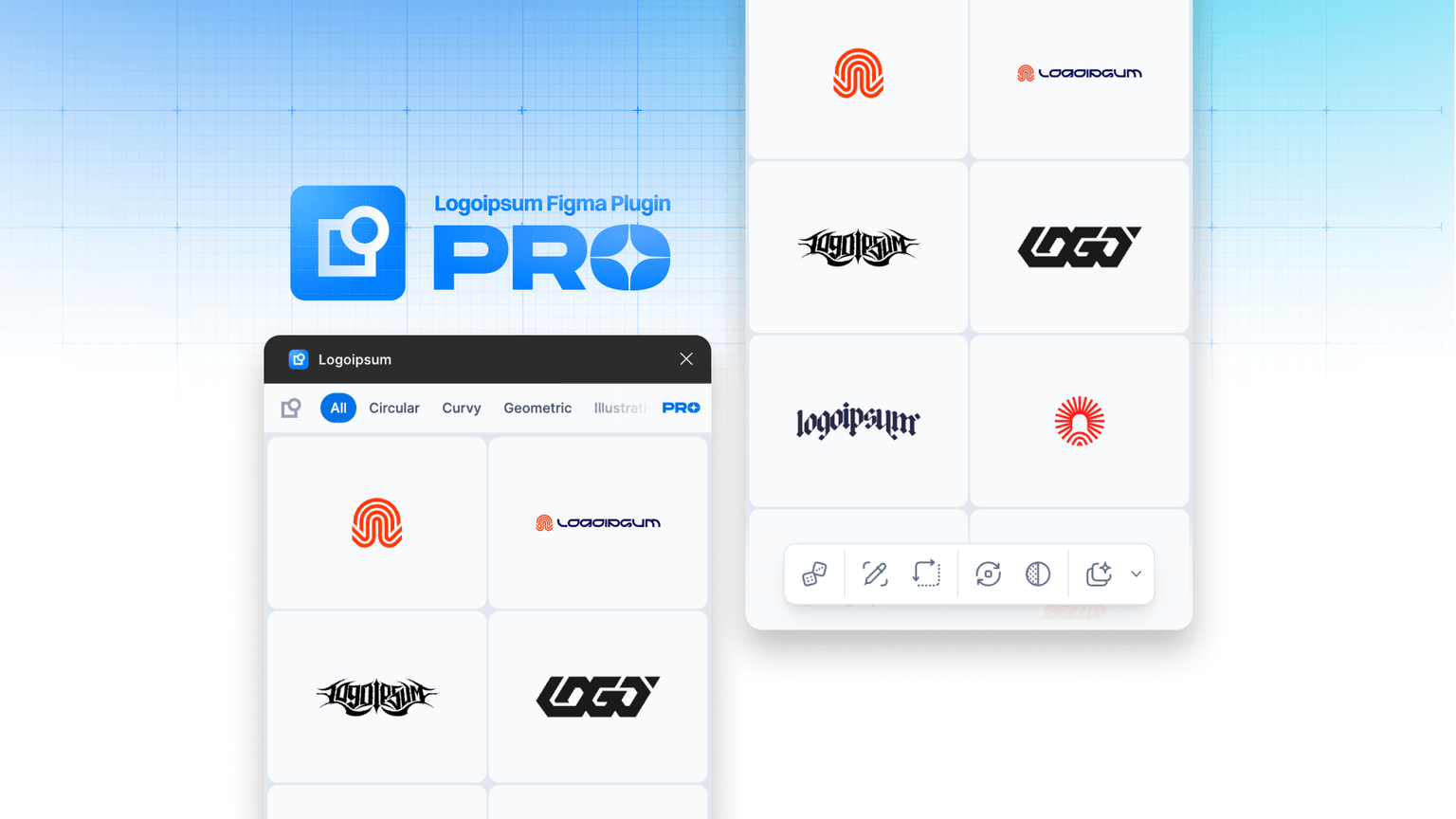
The plugin gives you direct access to the Logoipsum library, providing over 190 logos. You can filter by style, such as Circular, Geometric, or Illustrative, and place native SVGs onto your canvas. Every mark is a vector, ready for immediate manipulation if needed.
Smart Replacement
One of the features of the plugin is its ability to detect layer names. If a UI layout contains frames or groups named "Logo" (case-insensitive), the plugin can automatically detect them. When a parent frame is selected and a new logo is picked from the plugin, it can replace the inner "Logo" instances. This allows for swapping branding across a multi-page prototype.
Adapt Color & Size (PRO)
The PRO version offers additional features for managing design intent.
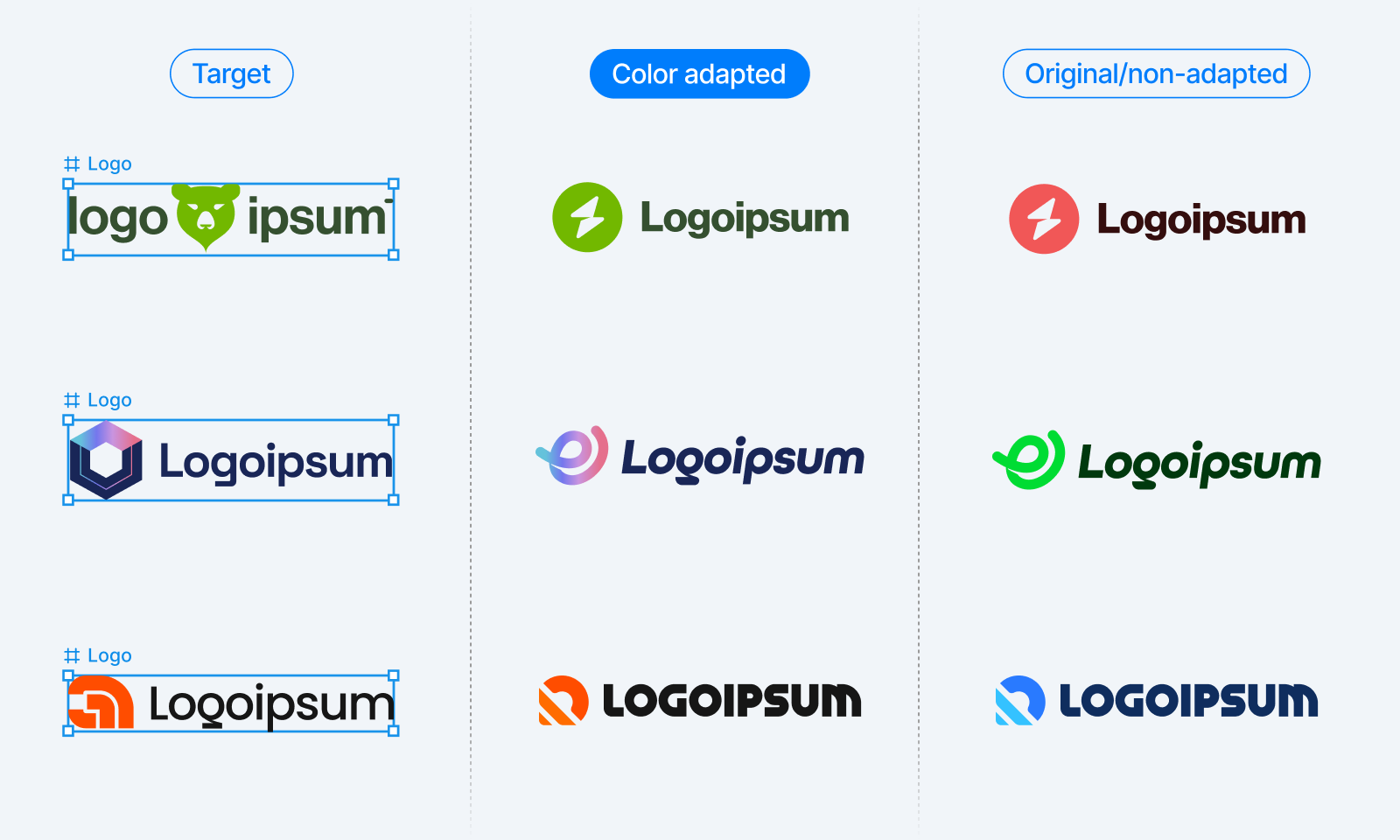
- Adapt Color: The plugin can apply the colors from a previous logo to a newly placed one. It understands grouping structures like Shadow, Highlight, Outline, and Blend, applying color treatments to maintain the visual hierarchy.
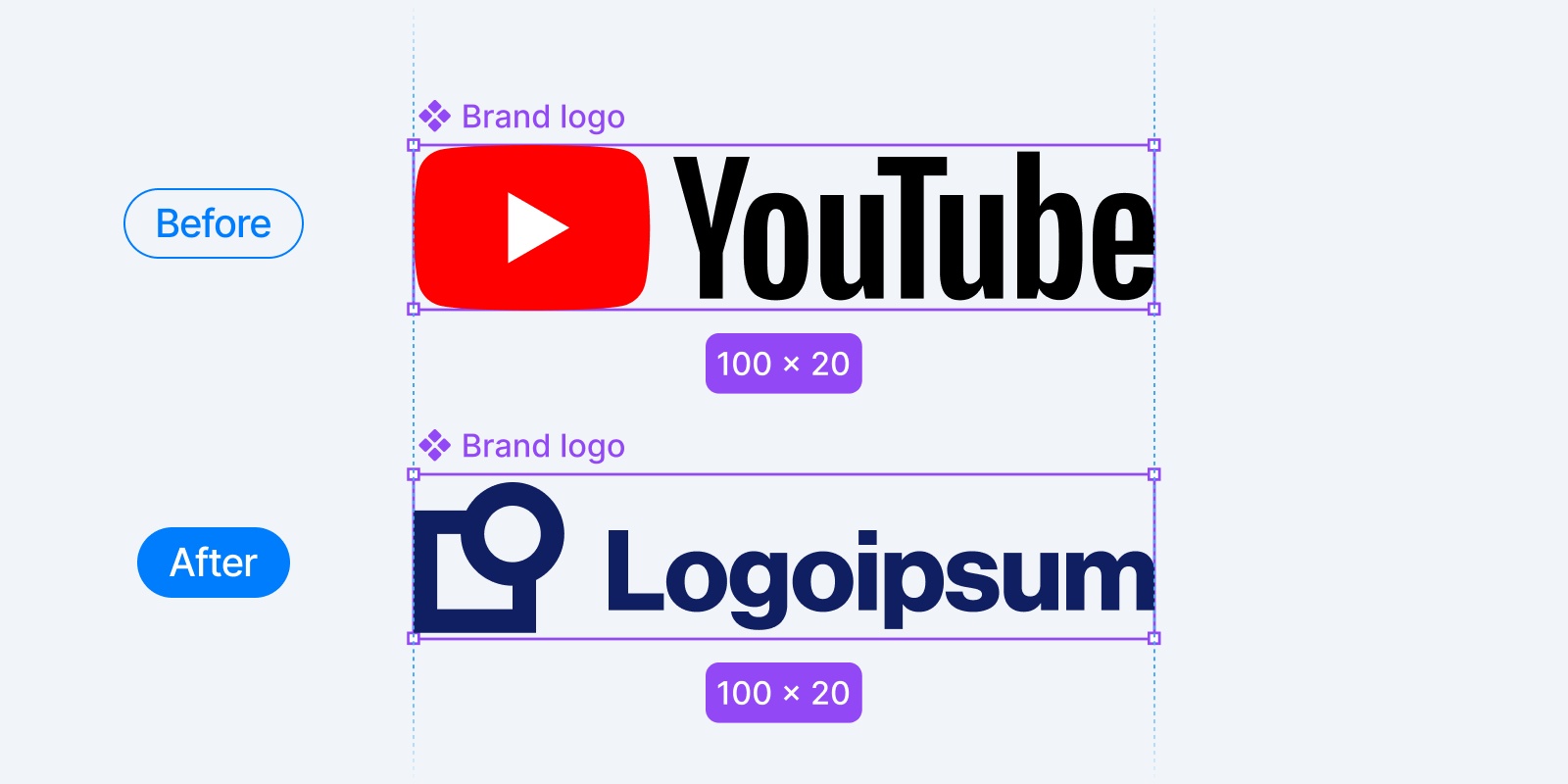
- Adapt Size: The plugin can match the dimensions of a previously placed logo or fit into designated components, which helps maintain alignment.
Theme Variants and Color Swapping
Testing how a brand appears in different contexts is a part of the UI process.
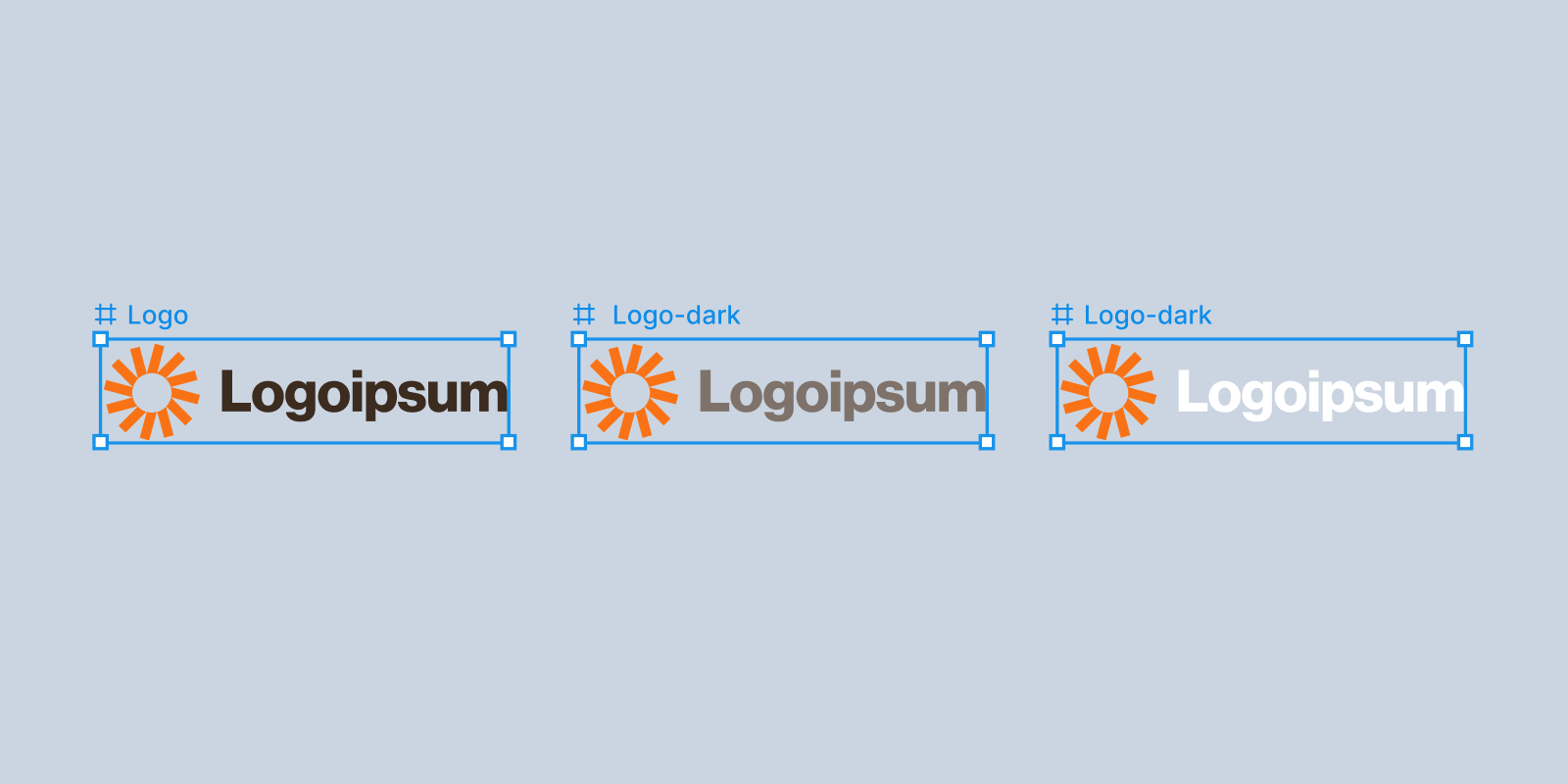
- Generate Dark Mode: The plugin can generate two dark variants next to an original logo, which can assist with color inversion tasks.
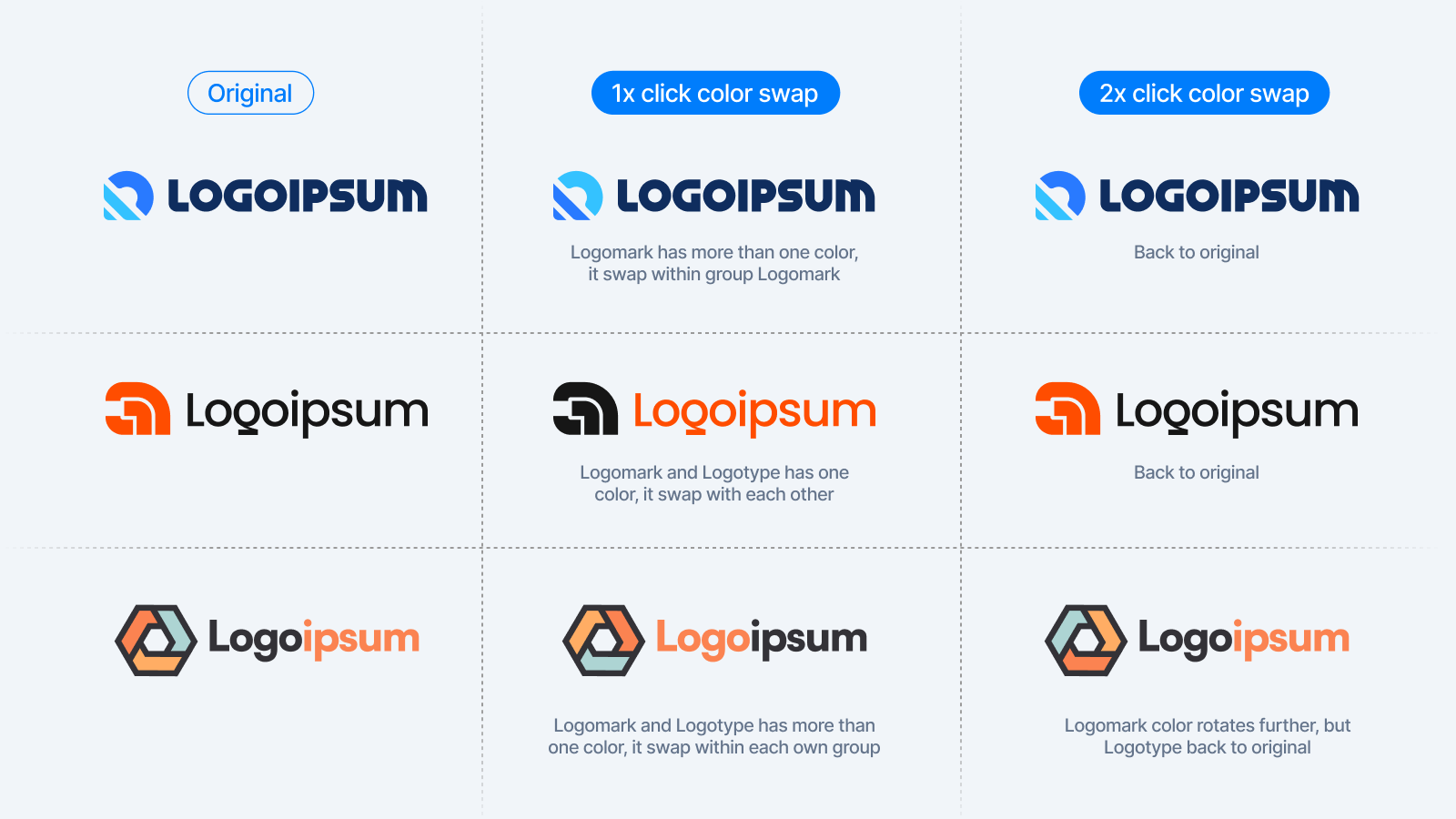
- Swap Color: If a logo has a distinct logomark and logotype, it is possible to cycle through different color distributions. The plugin uses group identifiers to ensure the swap remains balanced.
Advanced SVG Workflows
Handoff is often where friction occurs. The plugin’s Advanced Copy SVG feature can help by removing metadata like defs and clipPath.
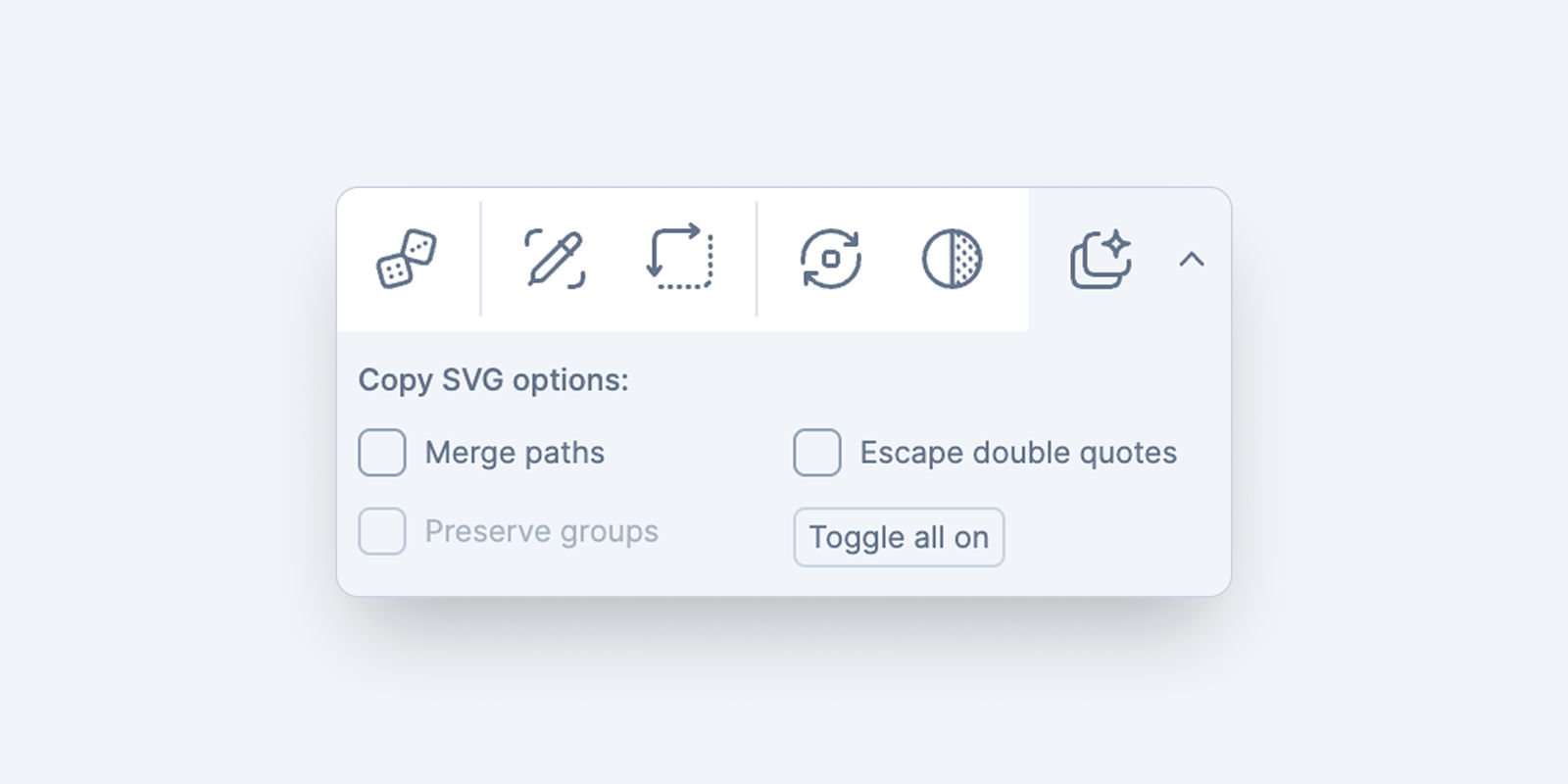
- Merge Paths: This feature flattens vectors into a single fill color for cleaner code.
- Preserve Groups: Keep the logical layer structure (Logomark vs. Logotype) while still merging paths.
- Escape Double Quotes: This can be useful for developers who need to paste SVG code directly into JSON data or JavaScript strings.
Efficiency Tips
- Quick Launch: Use
Cmd + /(Mac) orCtrl + /(Windows) and type "Logoipsum" to open the plugin. - The Random Button: Use the Random button to populate modules with unique marks to observe how a layout handles different visual weights.
- Grouping Structure: Following the grouping structure (Shadow, Highlight, Outline) for custom assets can ensure compatibility with the plugin’s features. Information on the grouping structure is available here.
The Logoipsum Figma Plugin can be used to assist with design workflows.